
Geometry Learn V3 is a free, browser-based geometry learning platform designed to offer students an engaging way to grasp essential geometry concepts. This tool provides interactive experiences that make understanding shapes, angles, and measurements accessible and enjoyable.
What Makes Geometry Learn V3 Unique?
Geometry Learn V3 stands out as an interactive geometry tool that prioritizes simplicity without unnecessary features. The platform operates as a single HTML file, making it easy to access and use across various devices. Users can drag shapes, rotate angles, and receive instant feedback, which enhances the learning experience. This hands-on approach is particularly beneficial for visual learners, as it allows them to see the geometric principles in action.
How to Use Geometry Learn V3 Effectively?
To maximize the benefits of Geometry Learn V3, students should engage with the different interactive elements available on the platform. Users can explore various shapes and their properties, experiment with angle measurement activities, and participate in 3D shape exploration. These activities not only solidify foundational geometry concepts but also promote geometry skill development through practice and repetition.
Geometry Concepts Covered in Geometry Learn V3
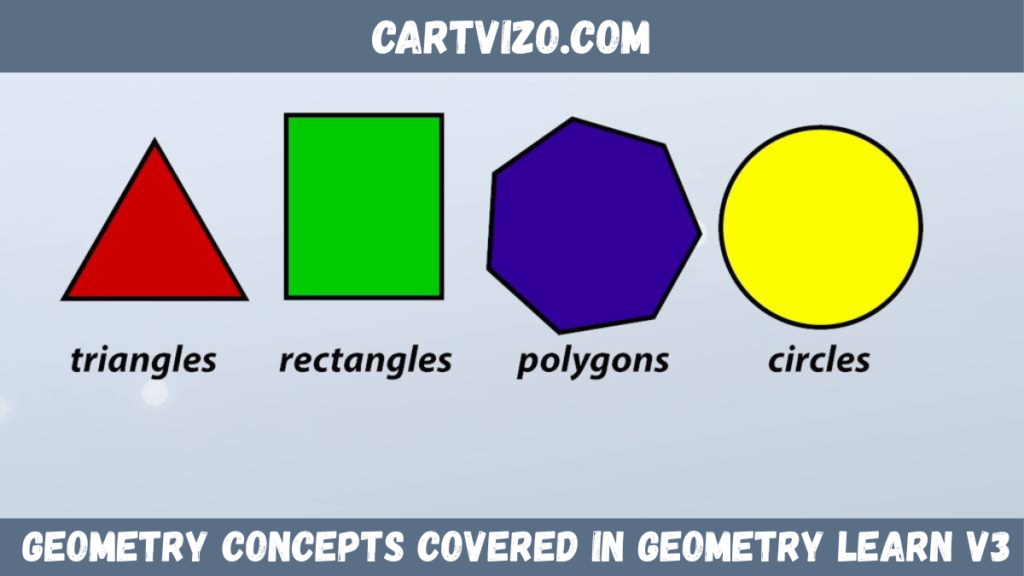
Geometry Learn V3 supports a wide range of geometry concepts for beginners. The platform allows users to explore shapes, angles, and their properties. Students can engage in educational geometry games that reinforce their understanding while making learning fun. The interactive nature of the tools helps users visualize complex ideas, enhancing comprehension and retention.
Integration with Geometry Curriculum
Geometry Learn V3 can be seamlessly integrated into existing geometry curricula. Educators can utilize the platform alongside traditional teaching methods to provide a more dynamic learning environment. This integration helps students relate theoretical concepts to practical applications and encourages active participation in their learning process.
Benefits of Using Geometry Learn V3
Using Geometry Learn V3 offers several advantages for students and educators alike. The interactive geometry tools foster an engaging learning atmosphere that can motivate students. Instant feedback allows learners to identify areas needing improvement, and the user-friendly interface ensures that even those new to geometry can navigate the platform with ease. Overall, Geometry Learn V3 provides a practical approach to mastering geometry concepts.
Frequently Asked Questions
How to teach geometry in a fun way?
Engaging students with interactive tools like Geometry Learn V3 can make geometry teaching more enjoyable. Incorporating games and hands-on activities encourages active learning and keeps students interested.
What is a good app for teaching geometry?
Geometry Learn V3 serves as an excellent browser-based app for teaching geometry. Its interactive features and user-friendly interface make it effective for both students and educators.
What is the most popular Geometry game?
Specific data on the most popular geometry game has not been disclosed. However, many students enjoy using interactive tools like Geometry Learn V3 for learning through play.
What are some good geometry games for high school students?
Geometry Learn V3 provides several interactive games suitable for high school students, allowing them to practice geometry concepts in a fun and engaging manner.
How does Geometry Learn V3 support visual learning?
Geometry Learn V3 supports visual learning by providing interactive geometry visualizations that allow users to manipulate shapes and observe geometric relationships firsthand.
Can Geometry Learn V3 be used for remote learning?
Yes, Geometry Learn V3 is an excellent resource for remote learning. Its browser-based nature ensures that students can access it from anywhere with an internet connection.
Geometry Learn V3 offers an impactful way for students to explore geometry interactively. By utilizing its features, educators can enhance learning experiences and better engage students with geometry concepts. The platform supports both individual exploration and classroom integration, making it a valuable tool in modern education.
Next Read: water seepage meaning